Image editing
Turn a reference portrait into a cinematic scene
A practical image-editing walkthrough for building imaginative scenes around a portrait while keeping the person recognizable.
What you will learn
A practical workflow to try
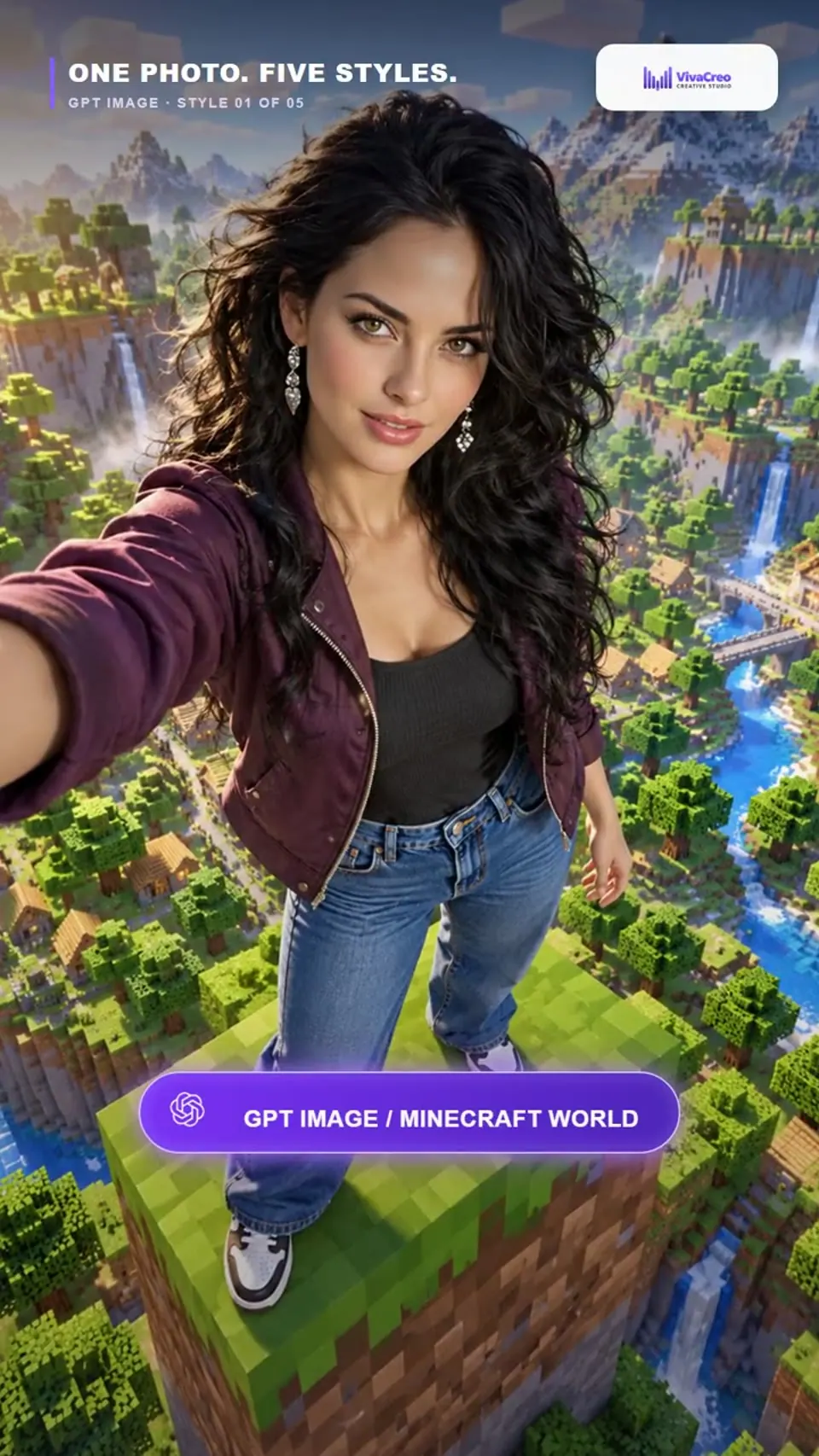
Turn one simple idea into a striking AI image with VivaCreo. In GPT Image Studio, add your reference photos, write a concise prompt, and start the generation. Here are four ways to create a scene that feels impossible. First, low-angle giant peering down places our avatar above a charming European town, leaning down into the scene. The low camera angle makes her feel enormous. while the rooftops below give the image scale. Next, Giant Torso Backdrop Walk turns the town into a cinematic setting, with our avatar towering over the half-timbered houses. The reference keeps the streets recognizable, while the prompt transforms her scale. For Giant Peering in Window, combine a portrait with a bright living room reference. GPT Image blends them into a surreal rainy window scene, where her face appears just outside the glass. Finally, Giant Hand Holding Model creates a fantasy market moment. Our avatar sits in a giant hand, surrounded by medieval stalls and warm lantern light. The workflow stays simple. Choose your references, enter one focused command, and let GPT Image build the scene. Explore different ideas, and create your own transformation with VivaCreo. Which result would you try first?
- Start with a clear source portrait and state which identity details should remain consistent.
- Add one scene idea at a time, such as a low camera angle or a giant-scale setting.
- Describe camera position and environment separately to make the composition easier to control.
Read the video transcript
- Turn one simple idea into a striking AI image with VivaCreo.
- In GPT Image Studio, add your reference photos, write a concise prompt, and start the generation.
- Here are four ways to create a scene that feels impossible.
- First, low-angle giant peering down places our avatar above a charming European town,
- leaning down into the scene.
- The low camera angle makes her feel enormous.
- while the rooftops below
- give the image scale.
- Next, Giant Torso Backdrop Walk
- turns the town into a cinematic setting,
- with our avatar towering over the half-timbered houses.
- The reference keeps the streets recognizable,
- while the prompt transforms her scale.
- For Giant Peering in Window,
- combine a portrait with a bright living room reference.
- GPT Image blends them into a surreal
- rainy window scene,
- where her face appears just outside the glass.
- Finally, Giant Hand Holding Model creates a fantasy market moment.
- Our avatar sits in a giant hand, surrounded by medieval stalls
- and warm lantern light.
- The workflow stays simple.
- Choose your references, enter one focused command,
- and let GPT Image build the scene.
- Explore different ideas,
- and create your own transformation with VivaCreo.
- Which result would you try first?
Put it into practice
Adapt the idea to your next creation
Start with a clear subject, choose one visual direction, and review the selected model and generation estimate before creating in VivaCreo.
Open a creative studio