Image editing
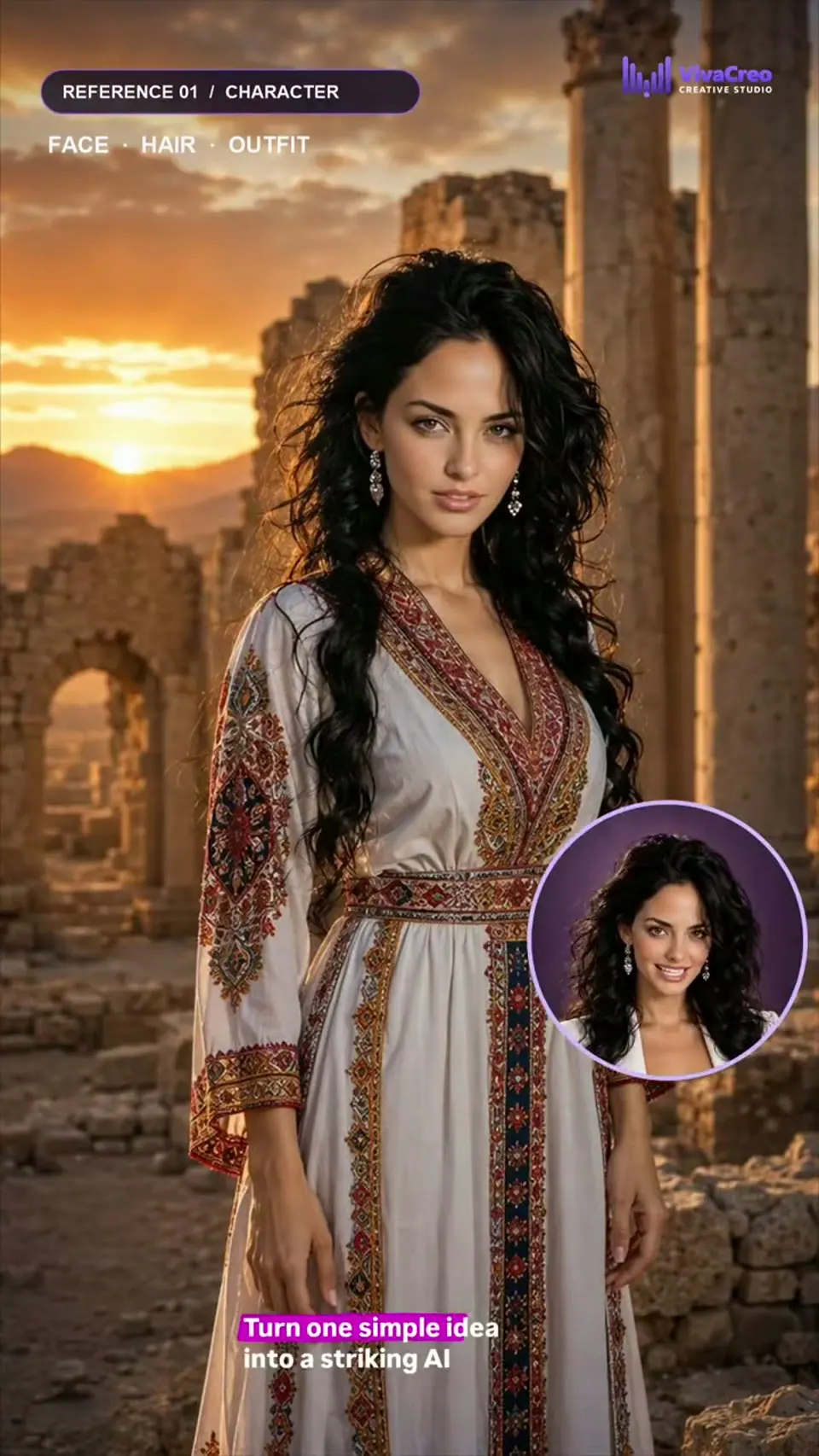
Create five portrait styles from one reference image
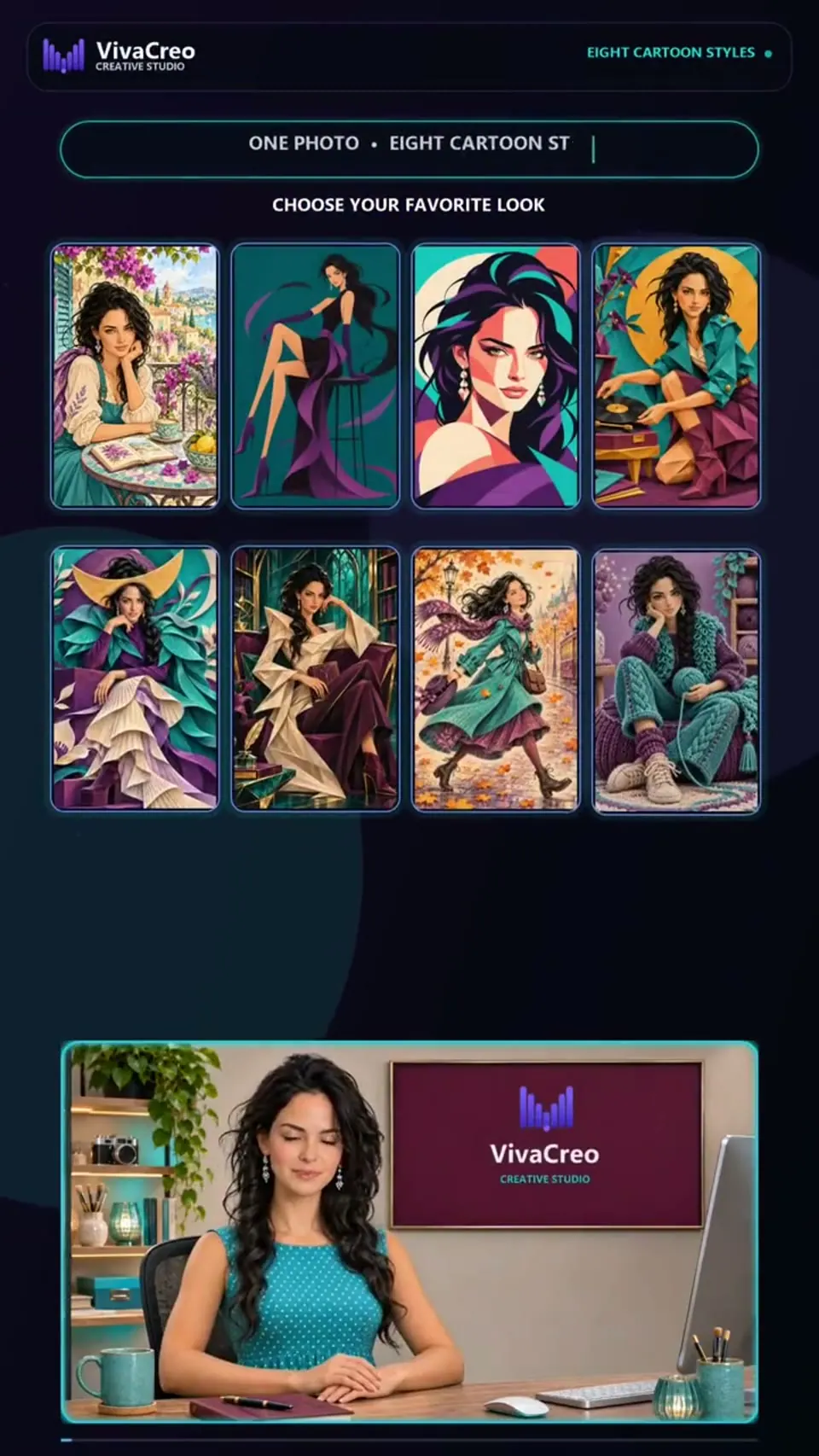
See how one portrait reference can be reimagined as a game-inspired scene, cartoon, drawing, oil painting and bold outlined illustration.
What you will learn
A practical workflow to try
Here are five fresh looks from one GPT image portrait. First, a Minecraft world. Then, a cartoon twin. Next, a hand-drawn portrait. An oil paint look. And finally, a bold outline. Which one would you try? Comment filter for the prompt.
- Keep the same reference image while testing different visual treatments.
- Describe the medium and rendering style directly: for example, oil paint or hand-drawn illustration.
- Change one style direction at a time so the results are easy to compare.
Read the video transcript
- Here are five fresh looks from one GPT image portrait.
- First, a Minecraft world.
- Then, a cartoon twin.
- Next, a hand-drawn portrait.
- An oil paint look.
- And finally, a bold outline.
- Which one would you try?
- Comment filter for the prompt.
Put it into practice
Adapt the idea to your next creation
Start with a clear subject, choose one visual direction, and review the selected model and generation estimate before creating in VivaCreo.
Open a creative studio