Creative workflow
Plan a creative photo series from one image
Explore a repeatable way to develop one reference photo into a small visual campaign with outfit, pose, overhead and advertising directions.
What you will learn
A practical workflow to try
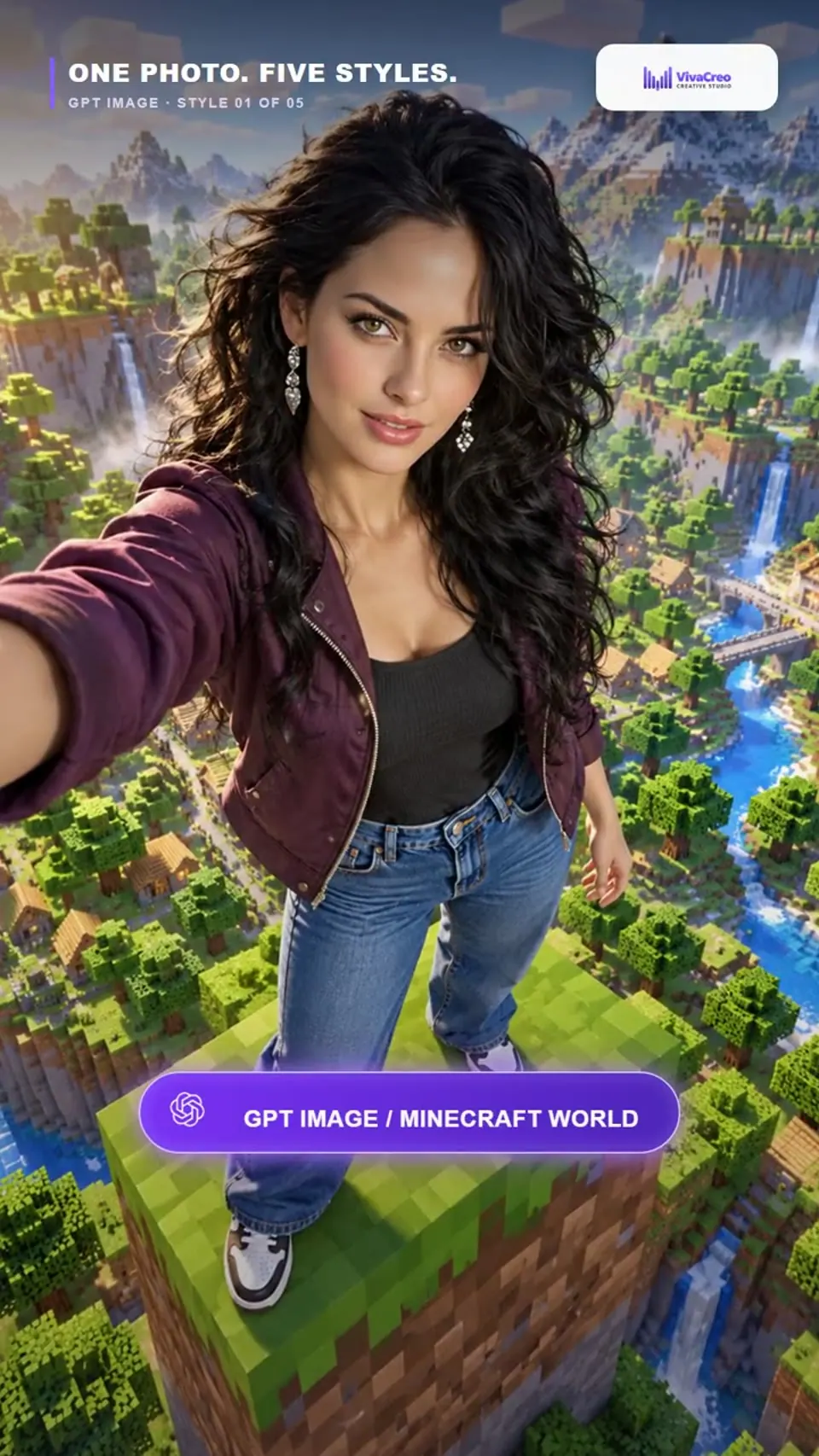
Want to turn one photo into a complete creative shoot? Try these GPT image prompt ideas. With Photo Series, one reference can inspire several portraits. Add a clothing reference and try Outfit Series to explore a new look. Exploded View can present an outfit as separate pieces, like a fashion product display. Use Pose to explore a different stance, or Drone View for a dramatic overhead angle. and Billboard can turn a product photo into an advertising concept. Treat these as starting points. Describe the subject, style, and details you want,
- Use a photo series direction to explore several related portraits from one starting point.
- Treat wardrobe, pose and camera angle as separate creative changes.
- Reuse the source image when you want a campaign to feel visually connected.
Read the video transcript
- Want to turn one photo into a complete creative shoot?
- Try these GPT image prompt ideas.
- With Photo Series, one reference can inspire several portraits.
- Add a clothing reference and try Outfit Series to explore a new look.
- Exploded View can present an outfit as separate pieces, like a fashion product display.
- Use Pose to explore a different stance, or Drone View for a dramatic overhead angle.
- and Billboard can turn a product photo into an advertising concept.
- Treat these as starting points. Describe the subject, style, and details you want,
Put it into practice
Adapt the idea to your next creation
Start with a clear subject, choose one visual direction, and review the selected model and generation estimate before creating in VivaCreo.
Open a creative studio