Image prompting
Create a cinematic car campaign with four camera directions
See how low-angle, overhead, tracking and rear camera directions can give one vehicle concept distinct campaign frames.
What you will learn
A practical workflow to try
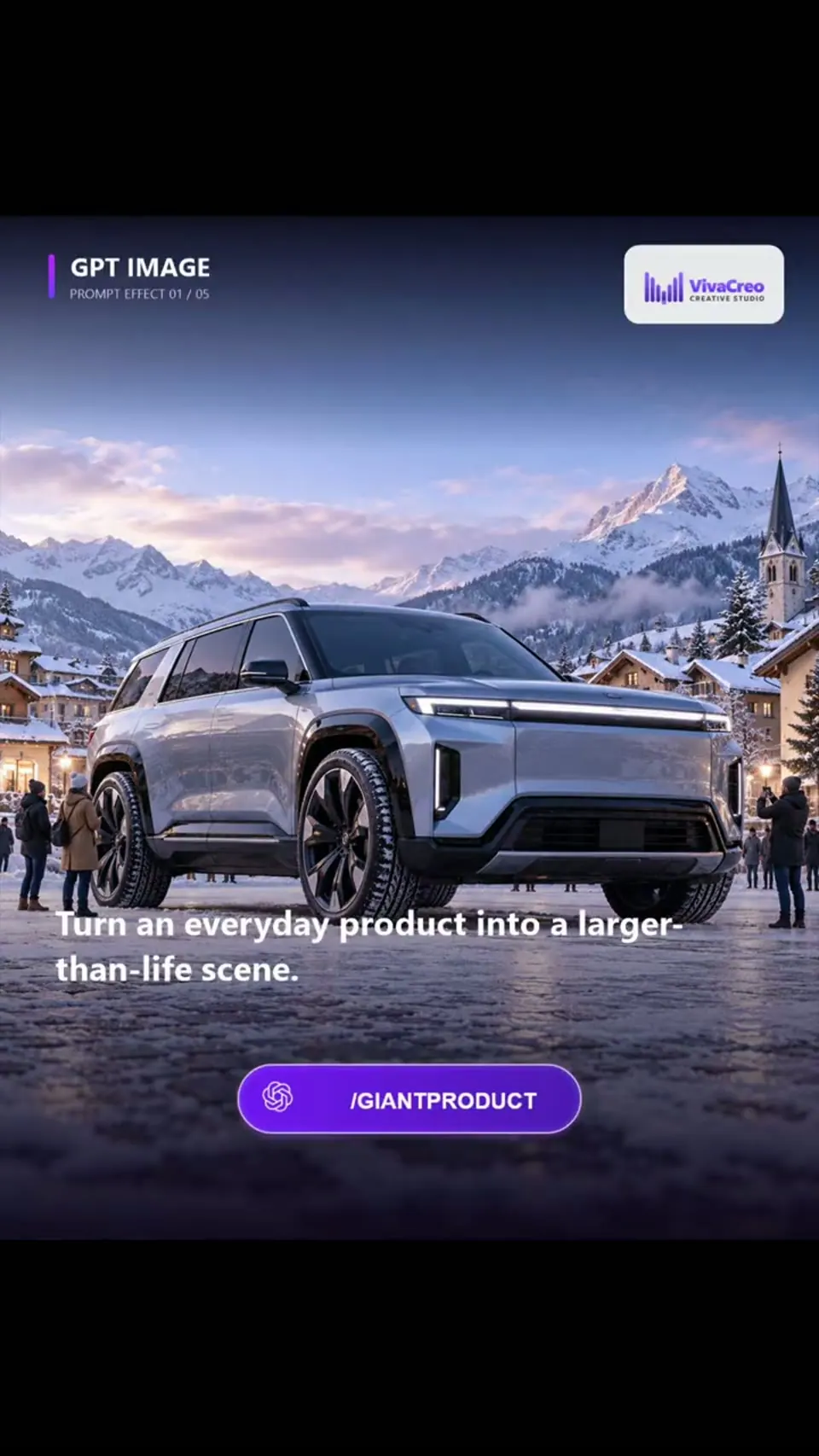
A single car can become an entire cinematic campaign. Start low and the hero shot feels powerful. Move overhead to reveal the city around it. Track alongside for speed, then swing behind for a dramatic finish. Four camera directions, each with a different mood, all shaped by a simple prompt. With VivaCreo, explore creative directions and turn them into polished visual ideas.
- Describe the camera angle and movement to make framing part of the prompt.
- Use low angles for a strong hero frame and overhead views to establish the setting.
- Keep the product consistent while varying the camera direction across a campaign.
Read the video transcript
- A single car can become an entire cinematic campaign.
- Start low and the hero shot feels powerful.
- Move overhead to reveal the city around it.
- Track alongside for speed, then swing behind for a dramatic finish.
- Four camera directions, each with a different mood, all shaped by a simple prompt.
- With VivaCreo, explore creative directions and turn them into polished visual ideas.
Put it into practice
Adapt the idea to your next creation
Start with a clear subject, choose one visual direction, and review the selected model and generation estimate before creating in VivaCreo.
Open a creative studio