How to Write AI Video Prompts: Structure and Examples
Learn a practical structure for AI video prompts, see a vague prompt rewritten, and use examples for action, camera movement, references, and revisions.
A clear AI video prompt names the subject, setting, visible action, and camera behavior. Add only the constraints that matter to the result. This guide gives you a reusable structure, a rewrite example, and a way to diagnose common problems.
Common prompt problems
- The action is vague. “A dramatic scene” gives a mood but does not say what the subject does. Write a visible action, such as “opens the umbrella and steps into the rain.”
- The scene has too many events. Several actions, locations, and camera moves can be difficult to fit into a short clip. Keep the main action and remove details that do not affect it.
- Camera directions conflict. “Static camera” and “fast handheld tracking shot” describe different camera behavior. Choose one for the shot.
- The subject is not described clearly. If appearance matters, mention a few identifying features. Use a reference image only when the selected model accepts it.
- The requested action does not fit the settings. Check the duration, aspect ratio, and input options for the selected model before writing the prompt.
- Every retry changes several things. Change one part at a time. This makes it easier to see which revision affected the result.
What to include in a video prompt
Use the parts that matter for the shot. This checklist is flexible. Each model may respond differently and may not support every input.
| Detail | What to describe | Example |
|---|---|---|
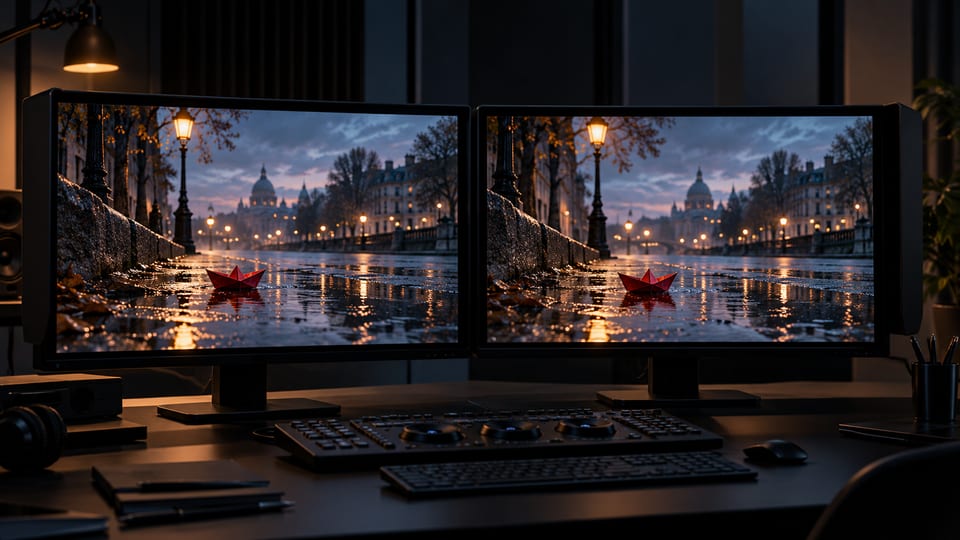
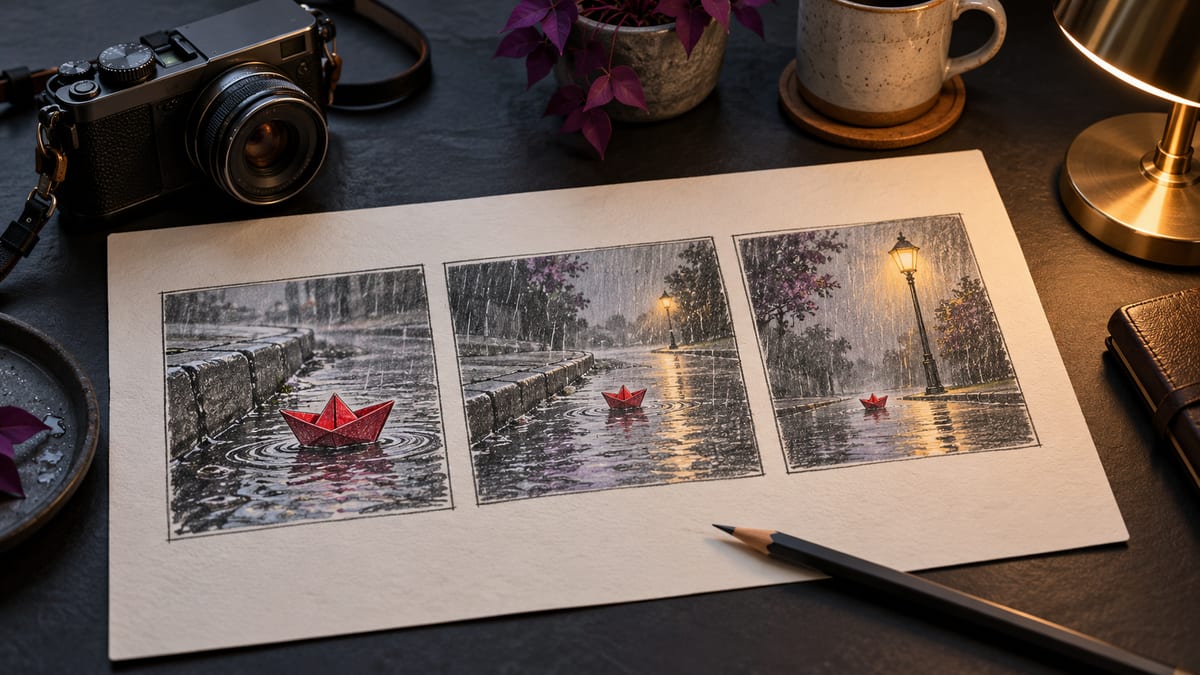
| Subject and setting | Who or what is in the shot and where it takes place | A red paper boat on a city sidewalk after rain |
| Action | What changes, and in what order | The boat turns once, then drifts under a streetlamp |
| Camera | Framing, angle, and camera movement | A low, steady shot following the boat |
| Light and appearance | The visual qualities that are important to the scene | Evening light, rain, and reflections on the pavement |
| Constraints | Details that should remain unchanged or be excluded | Keep the boat red and intact. No people or text. |
| Audio, if available | Sound or speech when the model supports audio | Rain sounds without dialogue |
Describe movement and camera behavior
Use verbs that specify what moves: “walks toward the window,” “turns to face the camera,” or “lifts the cup.” Say whether the camera stays still or moves. If it moves, specify a direction and a pace. Keep these instructions consistent within the shot.
| Camera direction | What it describes | Example wording |
|---|---|---|
| Locked-off | The camera stays in one position | Keep a steady medium shot. Do not move the camera. |
| Push-in | The camera moves closer to the subject | Slowly move from a wide view to a close view of the cup. |
| Tracking | The camera follows a moving subject | Track beside the cyclist at a steady pace. |
| Pan | The camera turns horizontally from a fixed position | Pan left to follow the boat as it crosses the puddle. |
These words describe common camera directions, but model behavior varies. Avoid combining several movements in one shot unless their order matters and there is enough time to show them.
Rewrite a vague prompt
Consider the request “A cinematic video of a boat in the rain, with dramatic camera movement.” It leaves the boat's appearance, action, setting, and camera direction open to interpretation. Replace broad adjectives with details a viewer could see.
| Vague version | More specific version |
|---|---|
| A cinematic video of a boat in the rain, with dramatic camera movement. | A small red paper boat floats through a puddle on a quiet city sidewalk at night. It turns once and drifts beneath a streetlamp. Use a low, steady camera that follows it from left to right. Show rain and reflections on the pavement. Keep the boat red and intact. No people, text, or logos. |
The revised version identifies one subject, one setting, a two-part action, a camera path, and a few constraints. It does not guarantee an exact result, but it gives the model clearer instructions to work with.
A reusable prompt structure
[Subject and setting]. [One main action, in order].
[Framing and one camera direction]. [Lighting or appearance details that matter].
Keep [important identity or object details]. Avoid [specific unwanted elements].
Add audio instructions only if the selected mode supports audio.
Use this as a checklist, not a required formula. Start with the subject and action. Add camera, appearance, and constraints only when they affect what you want to see. Check the model settings in VivaCreo and remove requests its selected mode does not support.
Explain what each reference should guide
If the selected model accepts reference images or video, state how each file should be used. For example, an image can guide a character's appearance while a video guides movement. Do not assume all models accept the same file types or number of references.
Keep the instruction for each reference short and specific: “Use Image 1 for the character's coat color” or “Use Video 1 for the walking pace.” If two references disagree, decide which one controls each detail. Check the upload limits shown for the selected model.
Revise one part of the prompt at a time
Start with the subject and main action. Review the result, then decide what to change. Clarify the movement if it is hard to follow. Add a few appearance details if the subject changes. Adjust the framing if the subject is not visible. Keep the earlier prompt so you can compare versions.
| What happened | What to revise |
|---|---|
| The main action is missing | Remove secondary actions and describe the main action with a direct verb. |
| The subject changes appearance | Repeat the few identifying features that matter or add a supported reference. |
| The framing is hard to read | Specify a shot size and one camera direction. |
| The scene feels crowded | Remove extra subjects, events, or style instructions that do not support the main action. |
Frequently asked questions
How long should a video prompt be?
Include enough detail to describe the subject, action, camera, and important constraints. Remove anything that does not affect the shot.
Should I describe camera movement?
Describe it when it matters. Choose a simple movement or state that the camera stays still. Avoid giving opposing camera directions for the same shot.
Can I use reference images with every video model?
No. Reference types and limits depend on the selected model. Check its settings in VivaCreo before uploading files.
Why does a video model leave out part of my prompt?
The prompt may contain too many actions, conflicting details, or requests that do not match the selected model's settings. Simplify it and revise one part at a time.