Clear person image
Choose a well-lit source image with a visible pose and clothing area.
 VivaCreo
Virtual Try-On
Bring together a clear person photo and garment reference images to explore a private styling direction. Use it to compare an outfit idea before a shoot, a listing or a creative presentation.
The exact credit cost is shown before generation.
Style before production
A virtual try-on is useful when the question is visual: how could this garment, colour or styling direction look in a particular image? It gives you a fast concept to discuss before investing in a photoshoot or creating a full campaign asset.
It is not a measurement tool. The generated result should be treated as creative visualisation rather than a statement about size, fit, product performance or an actual person wearing a specific item.
Prepare useful references
Choose a well-lit source image with a visible pose and clothing area.
Use a garment image where the shape, colour and material are visible.
Describe the styling intention, such as a campaign mood or layered outfit.
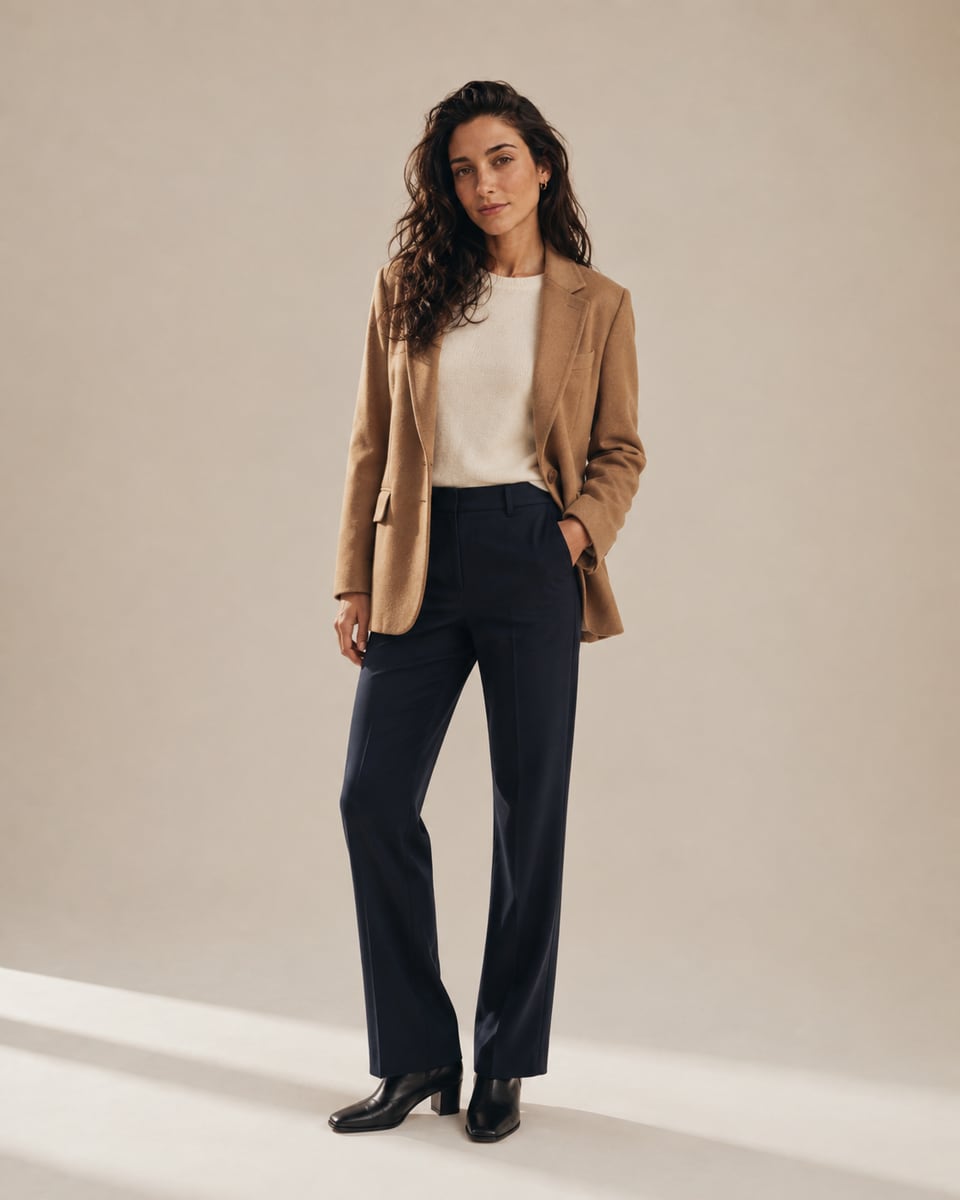
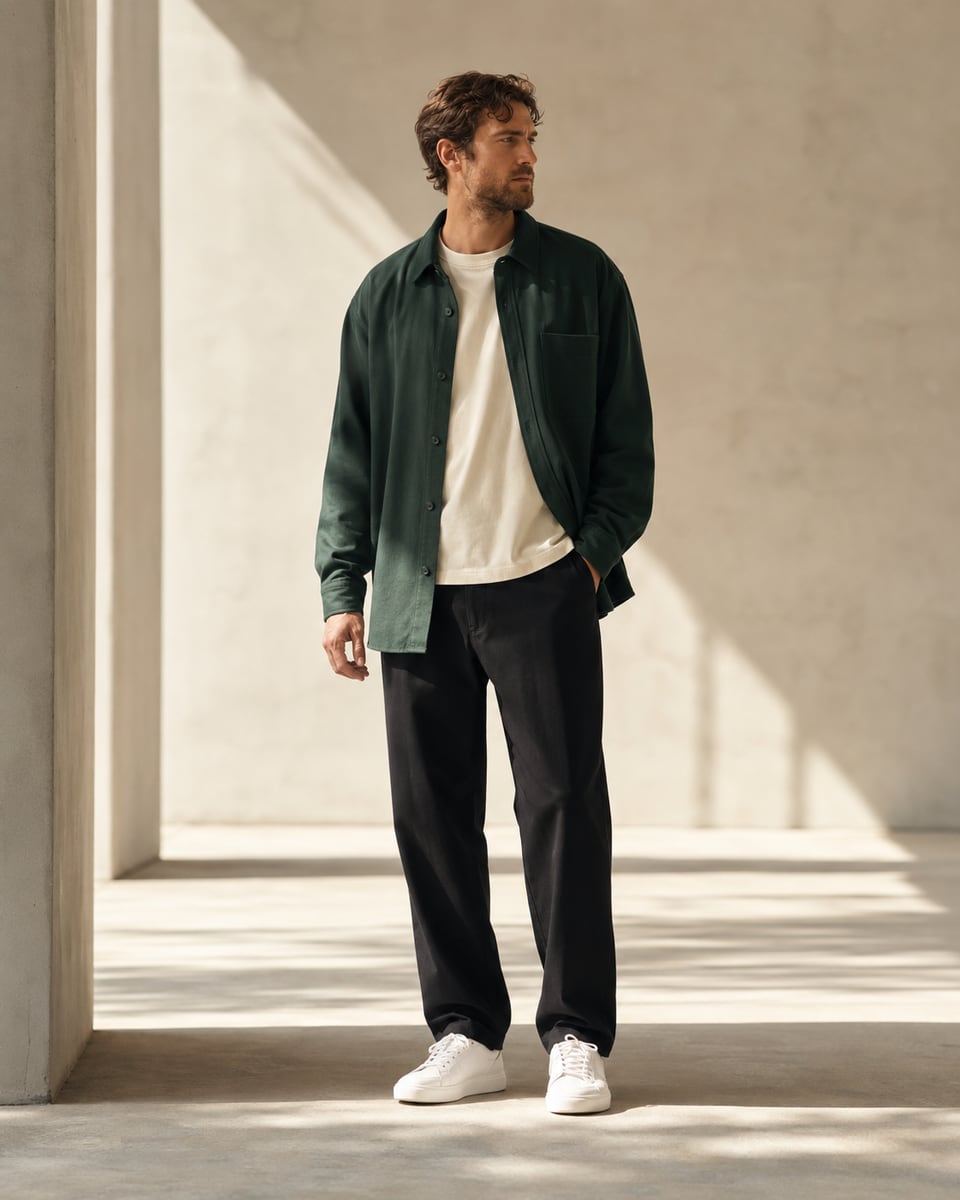
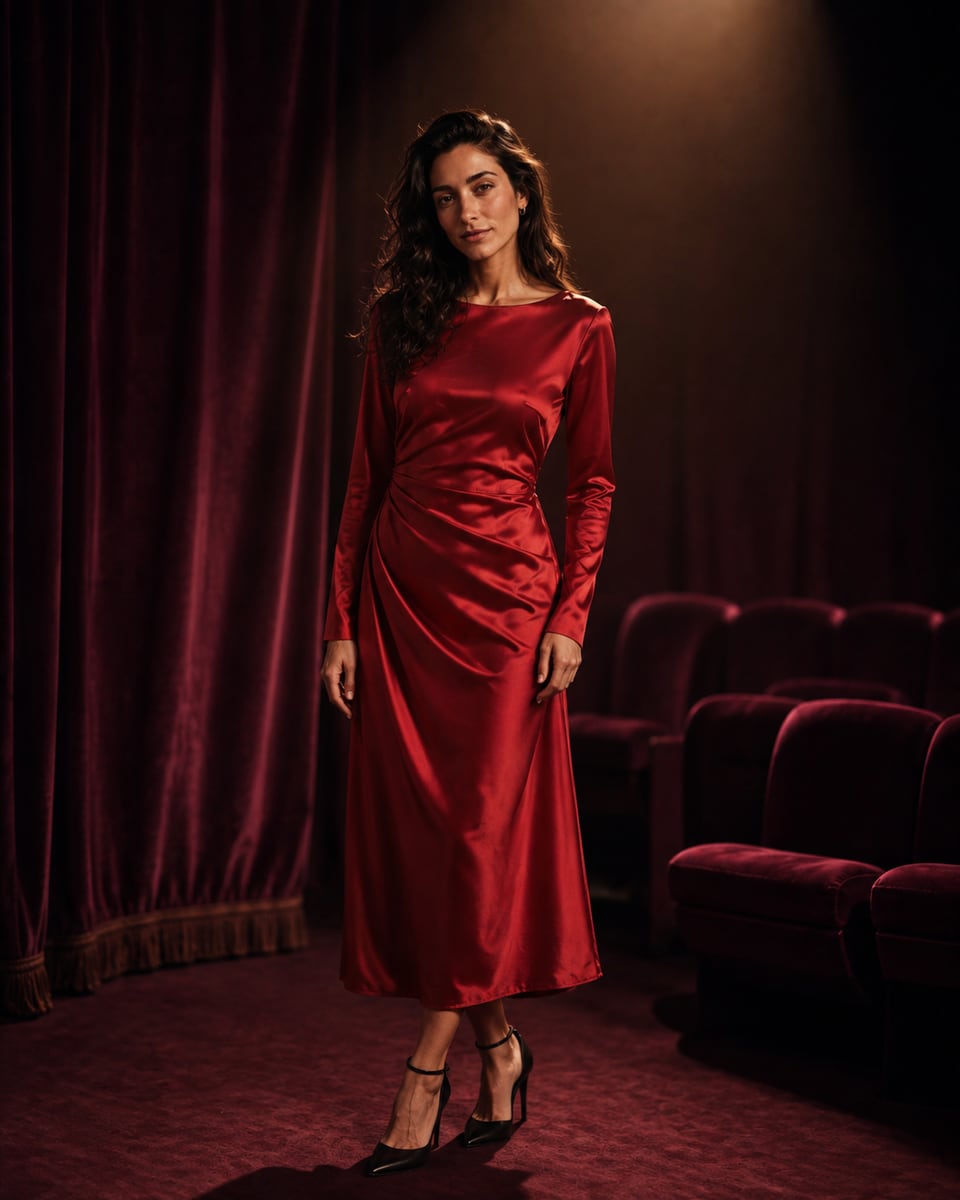
AI-generated examples
Every preview should be labelled as AI-generated when you use it as an example outside the private Studio.
How it works
Upload a source image that gives the workflow enough visual context.
Provide the garment reference and describe the intended styling direction.
Keep it as a concept, refine it or download it for your private project.
Use responsibly
Only upload images you have the right to use. Do not present an AI styling preview as a factual product photograph, a fit guarantee or a real-world endorsement.
Clear pricing
The Studio shows the credit cost before a styling preview is requested.
FAQ
No. A virtual try-on is a visual concept. It does not predict real-world fit, garment size, fabric behaviour or product availability.
Use a clear, well-lit image where the person and relevant clothing area are visible without major obstructions.
The Studio shows the available reference upload fields for the selected workflow before you begin.
Yes. Source images and generated styling previews are private to your VivaCreo account by default.
The Studio displays the exact credit requirement before generation, including any settings or supported reference inputs.