Subject
Identify the main character, object or place the viewer should notice.
 VivaCreo
AI Video Generator
Describe an action, camera, place and atmosphere, then choose the available video settings before you generate. Keep every prompt, result and continuation inside a private video chat.
Cost depends on the selected duration, resolution and output settings.
Motion starts with an intention
Unlike a still image, a useful video idea describes both the subject and its movement. Explain what the subject does, how the camera behaves and how the scene develops from the opening moment to the end.
Start with a short concept, then adjust the available duration, resolution and format in Studio. The generation cost is visible before you create, so you can make an informed choice before credits are reserved.
A practical video prompt
Identify the main character, object or place the viewer should notice.
Describe the movement or event that unfolds during the clip.
Ask for a slow push-in, pan, orbit, static frame or other point of view.
Set lighting, time, pace and visual mood for a more coherent scene.
AI-generated visual directions
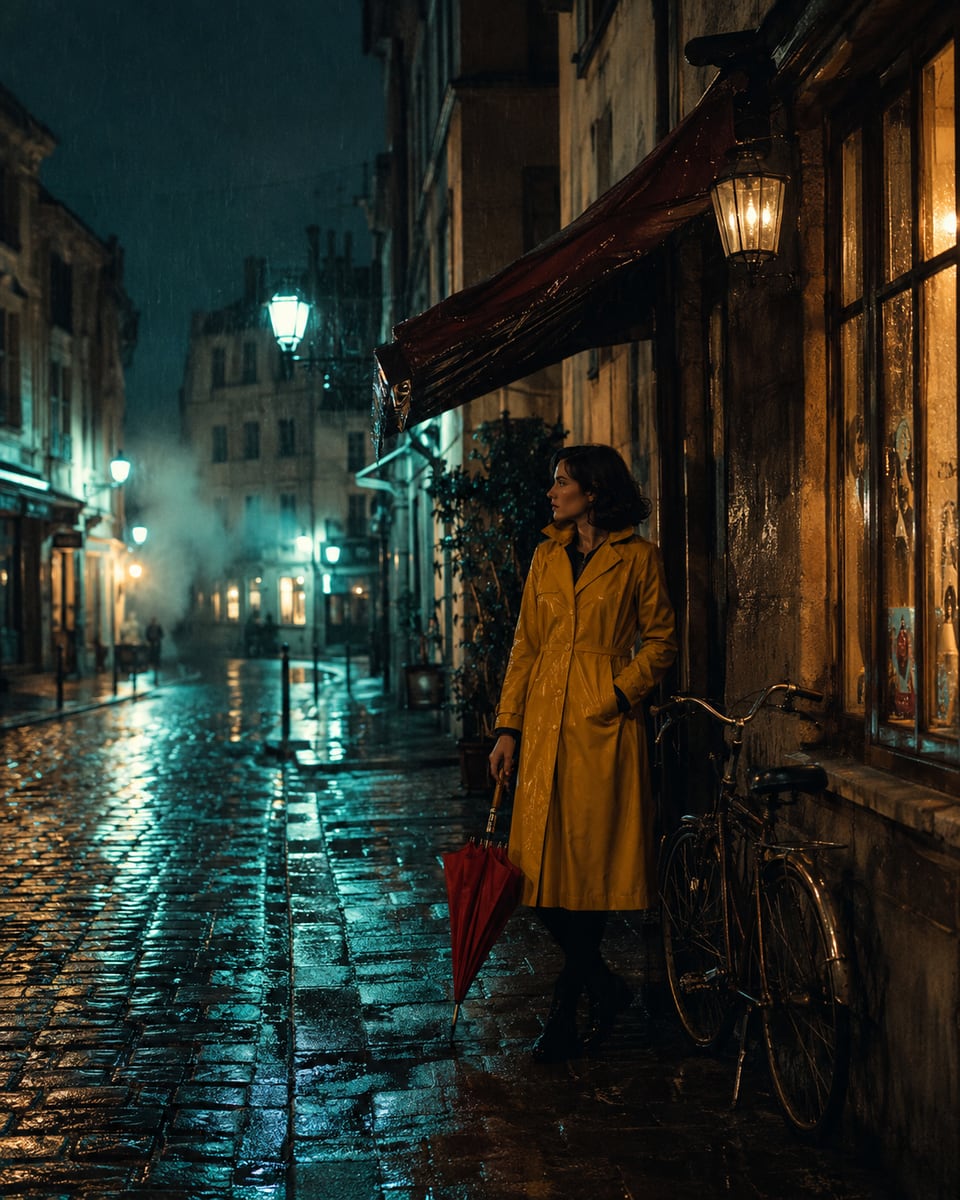
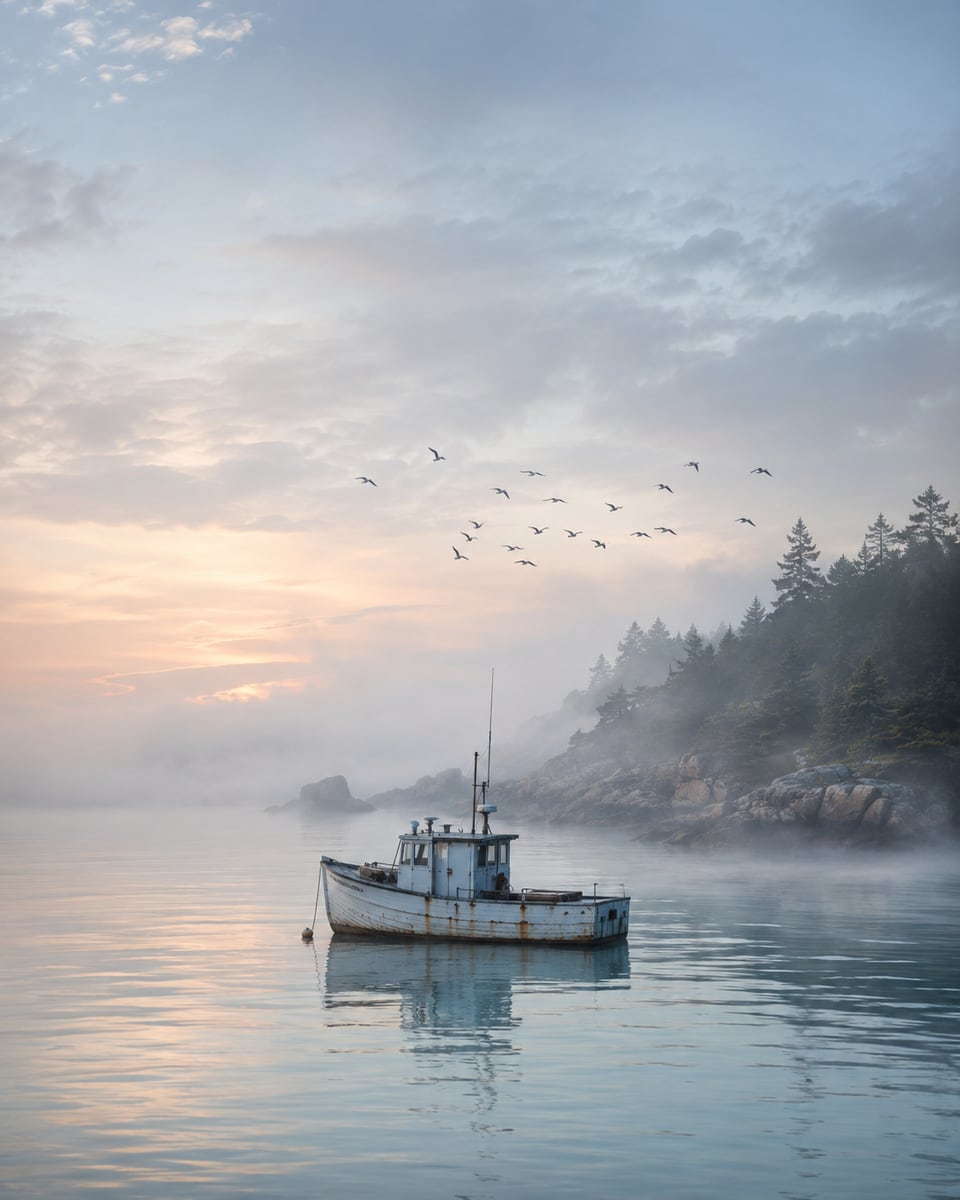
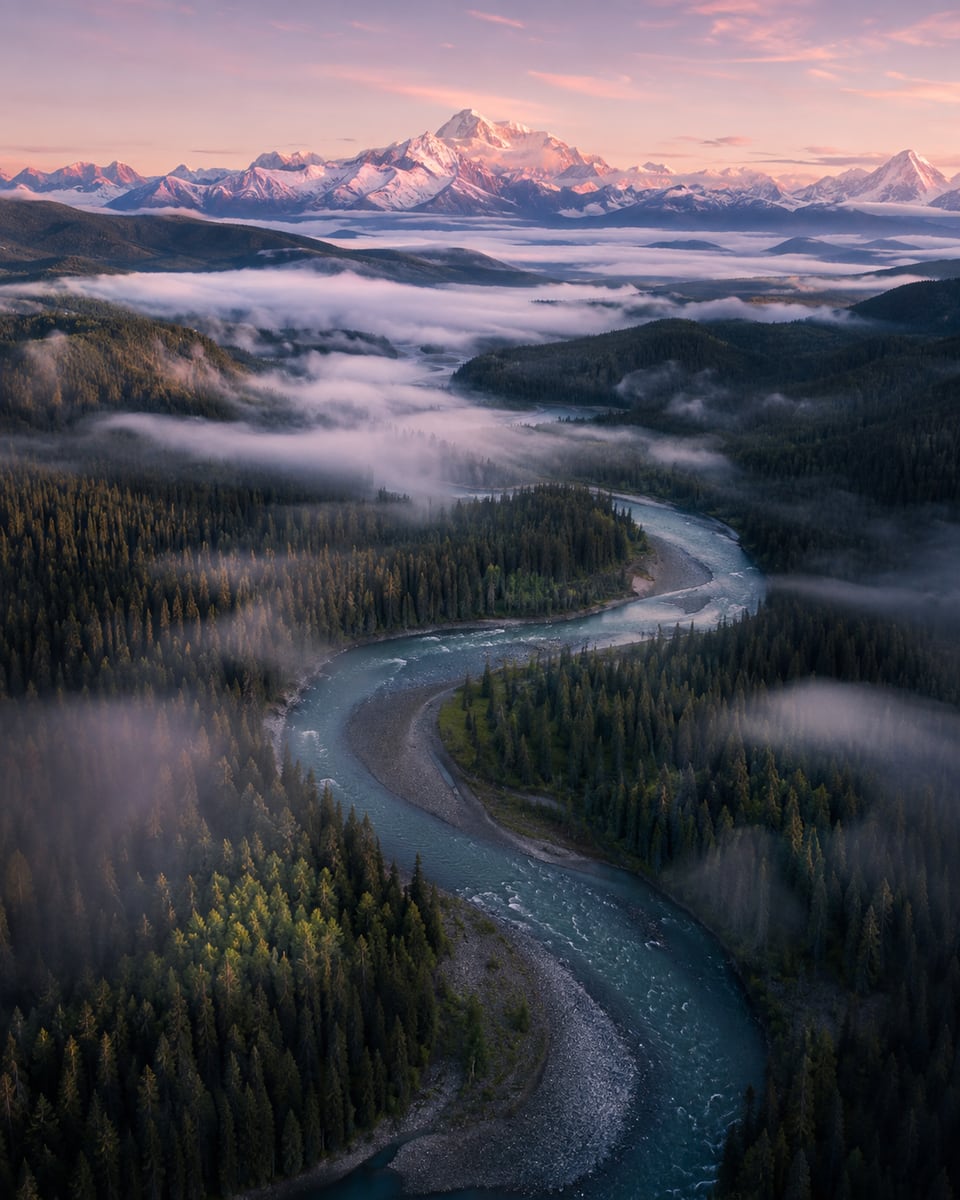
These published AI-generated visuals show cinematic scene, atmosphere and landscape directions for a video concept.
How it works
Write the subject, movement, camera and intended visual mood.
Choose the available output properties and see the cost before generating.
Review the private result, download it or use it as a new creative reference.
Make provenance clear
Use a clear AI-generated label whenever a video could be understood as authentic recording. Only generate and publish material for which you have the necessary rights and permissions.
Clear pricing
Video credit cost is shown or estimated in Studio before generation. Where final duration affects usage, the completed operation records the delivered amount.
FAQ
Describe the subject, action, setting, camera direction, lighting and visual mood. State the intended aspect ratio or format where the Studio offers it.
The Studio shows the controls available for the chosen workflow before you submit the request.
Video creation can depend on duration, resolution and other selected settings. VivaCreo shows an estimate or exact cost before generation and records the completed operation.
A completed result remains private in its Studio chat and My Creations until you delete it.
You are responsible for having the necessary rights and for following the service terms and applicable rules when using or publishing a result.