Source video
Upload material you have the right to edit and that clearly shows the intended scene.
 VivaCreo
AI Video Editor
Upload a video, explain the visual change you want and add supported references when they help clarify the result. VivaCreo creates a separate transformed output while keeping the source in your private workspace.
An estimate is shown before generation; final usage can depend on source, delivered duration and settings.
Edit with direction
A useful video transformation brief states what should change and what needs to stay coherent. Describe the element, background, environment or visual treatment you want to modify, then add a reference image when it helps establish the intended direction.
Video transformations can use different resources depending on source material, delivered duration and output settings. VivaCreo makes the expected cost visible before the request and records the final operation after delivery.
Build a focused edit
Upload material you have the right to edit and that clearly shows the intended scene.
State the visual change directly and identify which parts should remain stable.
Use a supported image reference when it makes the target style or object clearer.
AI-generated visual directions
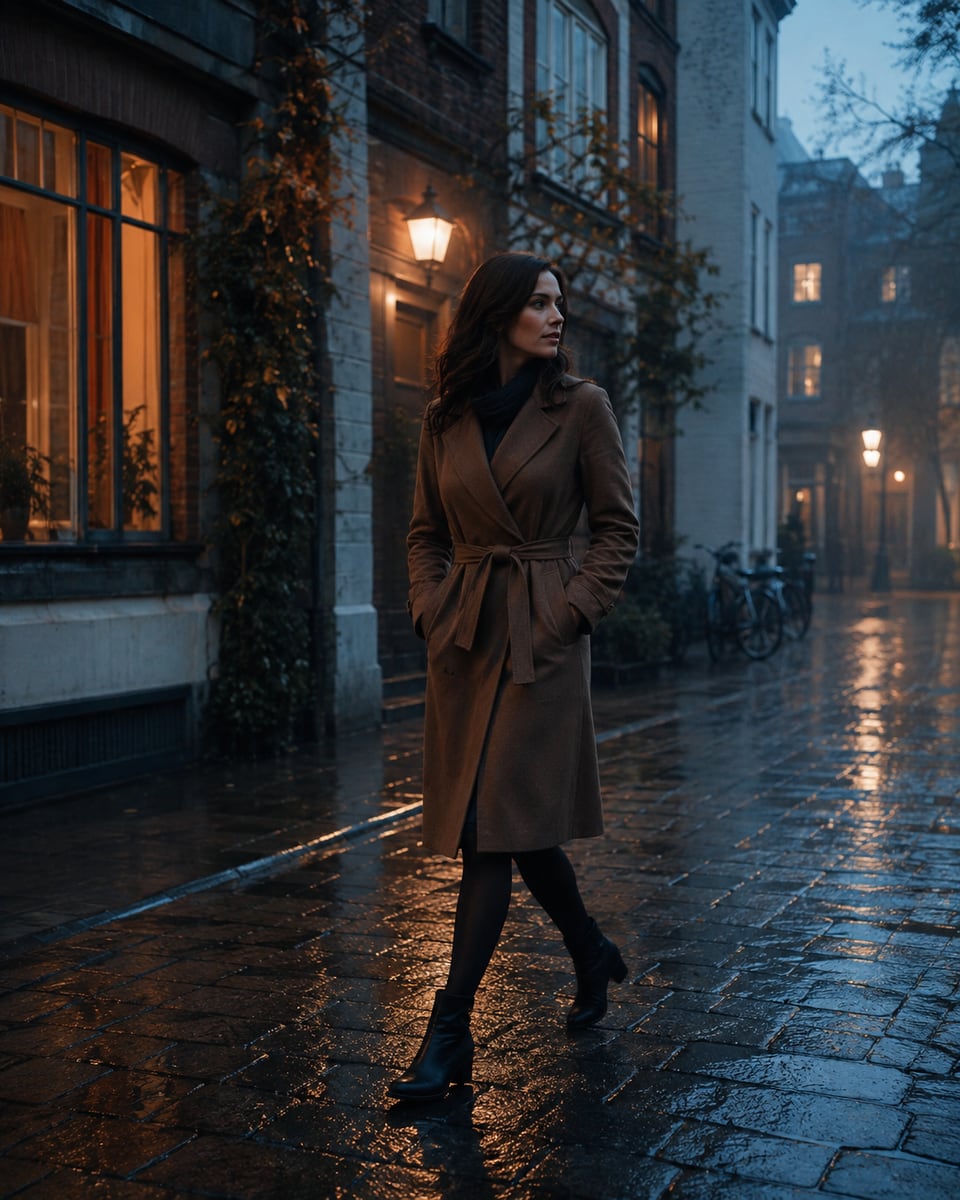
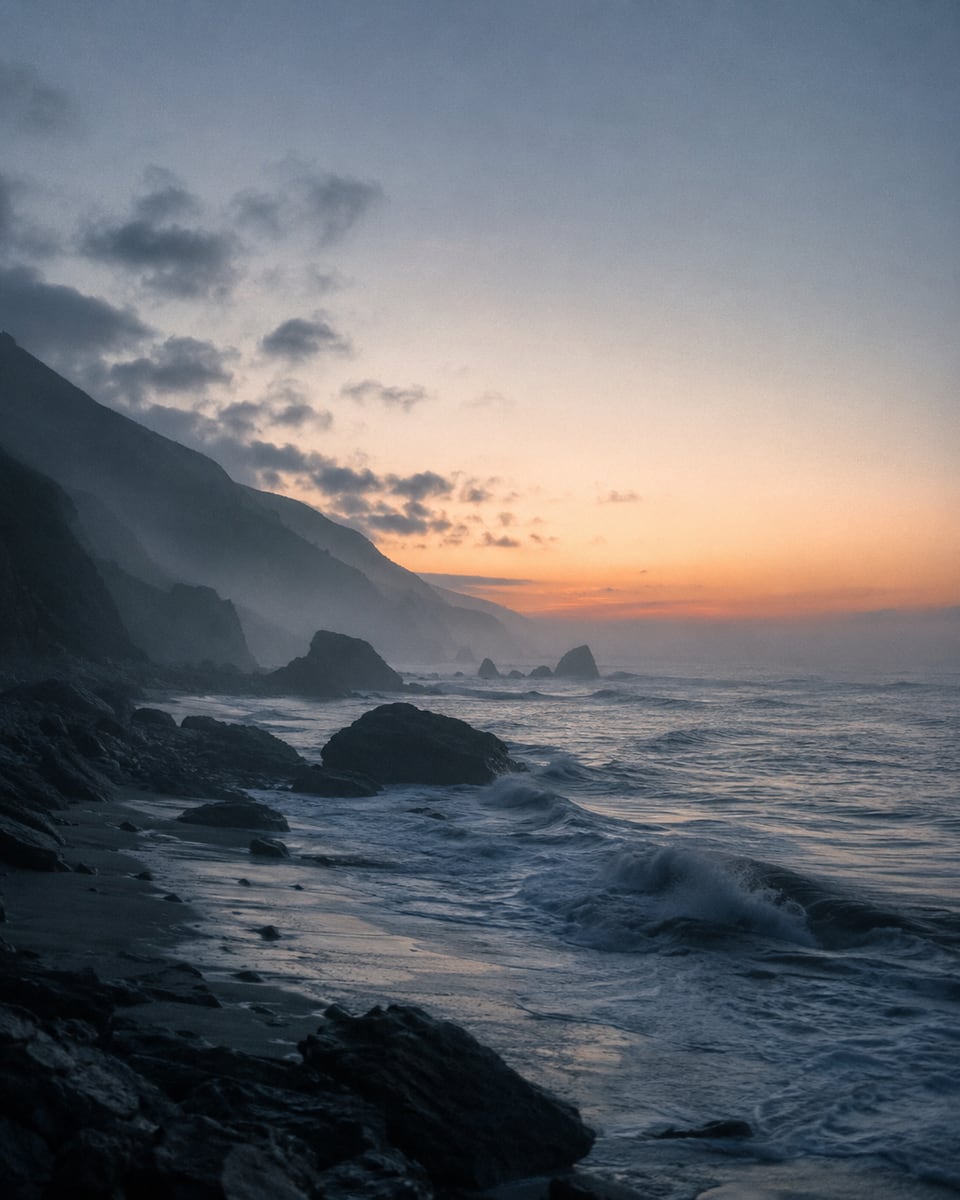
These published AI-generated visuals show environment, cinematic treatment and reference-led transformation directions.

How it works
Add the video and any supported references that clarify the intended result.
Describe the transformation and check available properties before starting.
Review the separate result, its final usage record and its AI disclosure before sharing.
Respect people and source rights
Do not make deceptive edits, impersonate people or remove essential context from footage. Clearly disclose material AI alteration whenever viewers could otherwise be misled.
Clear pricing
The final amount can depend on source and delivered duration plus selected output settings; the completed operation records the actual usage.
FAQ
Describe the desired visual transformation and provide any supported image references. The exact available controls appear in Studio for the selected workflow.
No. A transformation creates a separate result. The original source remains available in your private workspace.
Some video operations are priced by source, delivered duration and output settings. An estimate is shown before generation and the final completed amount is recorded afterward.
Where supported, Studio provides a reference upload control to guide the intended visual direction.
Clearly label AI-generated or materially AI-altered footage whenever viewers might mistake it for an unmodified recording.