Subject
Name the person, object, place or scene that should be the focus.
 VivaCreo
AI Image Generator
Turn a written brief into an image concept for a campaign, product, story or personal project. Describe what matters, choose the available format and keep refining in one private workspace.
The exact credit cost is shown before generation.
From words to visuals
An effective image brief does not need to be long. A subject, location, mood and intended framing are enough to explore a first direction. Add details such as a camera angle, colour palette, lighting or material when you want more control.
VivaCreo is designed for iteration. Each request stays in its own private chat so that prompts, reference uploads and results remain together while you develop the idea further.
A useful creative brief
Name the person, object, place or scene that should be the focus.
Describe the environment, time of day and visual context around it.
State whether you want a close-up, wide scene, product shot or vertical frame.
Add lighting, colour, texture or mood to guide the creative direction.
AI-generated visual directions
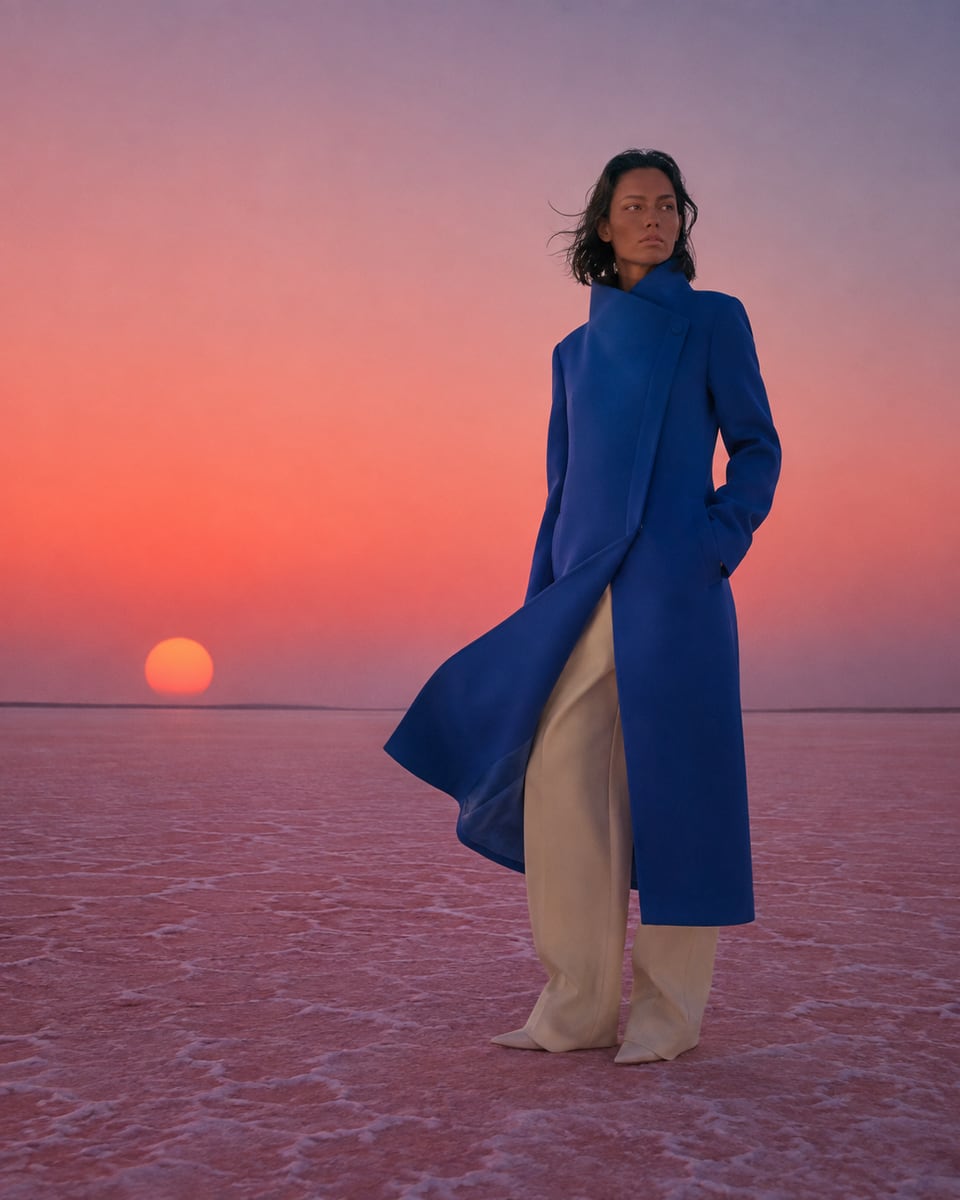
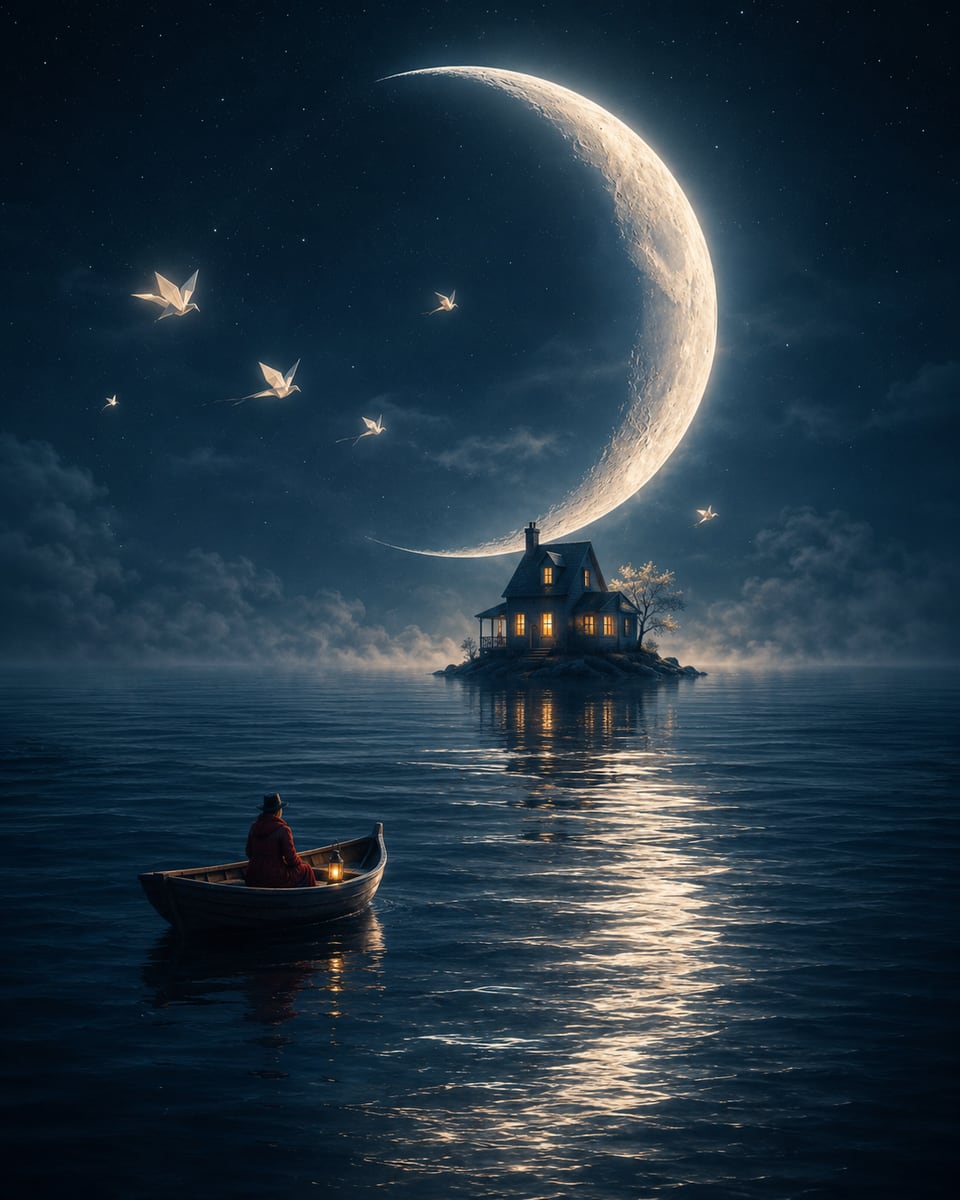
These published AI-generated visuals show how a written brief can guide composition, product focus and visual style.

How it works
Write the central idea and the details that affect the result most.
Select the available image settings and see the cost before sending the request.
Download the result, start an edit or generate another variation from the same chat.
Private by default
VivaCreo does not create a public gallery from your prompts or outputs. Keep source files, results and experiments in your account until you decide what to do with them.
Clear pricing
Credit cost is shown before each generation. Separately purchased Top-Up credits do not expire.
FAQ
Start with the subject and purpose, then add setting, composition, lighting, mood and style. You can refine the brief in the private Studio chat after the first result.
Yes. The Studio shows the output formats supported by the selected image workflow before you create anything.
No. Generated results and their chat history remain private to your VivaCreo account unless you decide to download or share them elsewhere.
The exact credit cost is shown in the Studio before you submit the request. It can vary with the selected settings.
Credits are reserved before generation and are released back to your balance after a confirmed technical failure before a result is delivered.